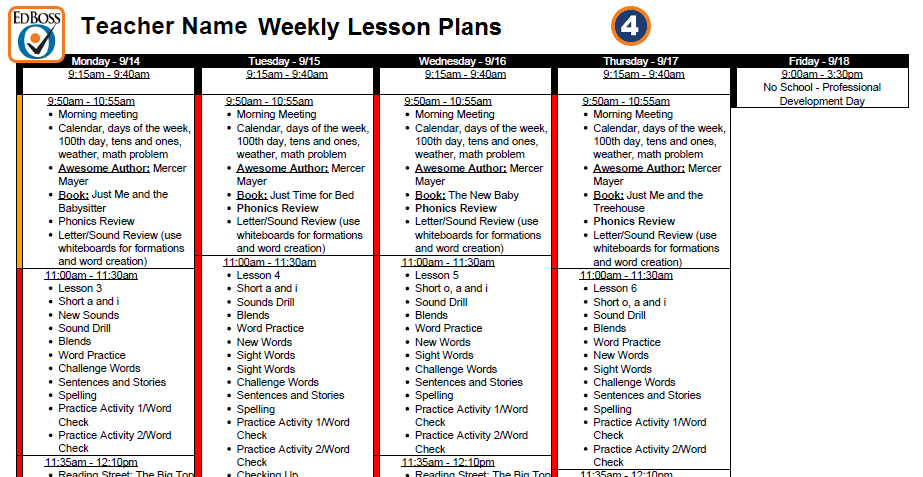
- Teachers: Start by entering your classes, lesson plans, planning periods, meetings and activities into the basic weekly schedule form.
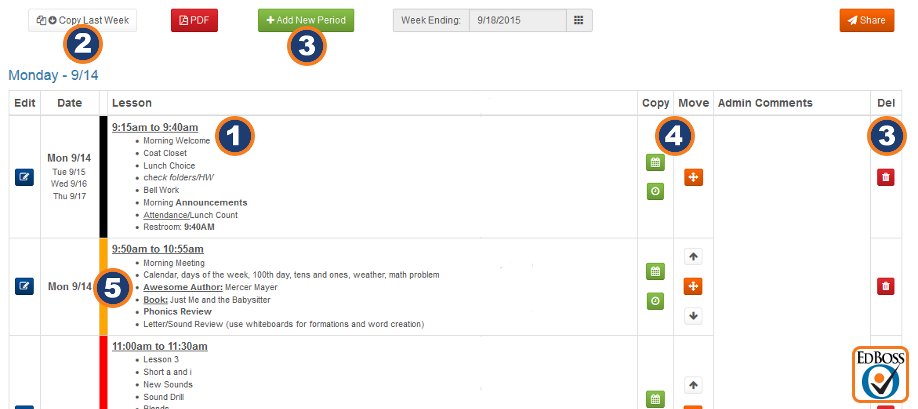
- Easily copy your schedule for the week from the previous week.
- Add or delete a class period or lesson plan.
- Copy or move a class period or lesson plan.
- Add color to highlight classes, subject matter or time slots.
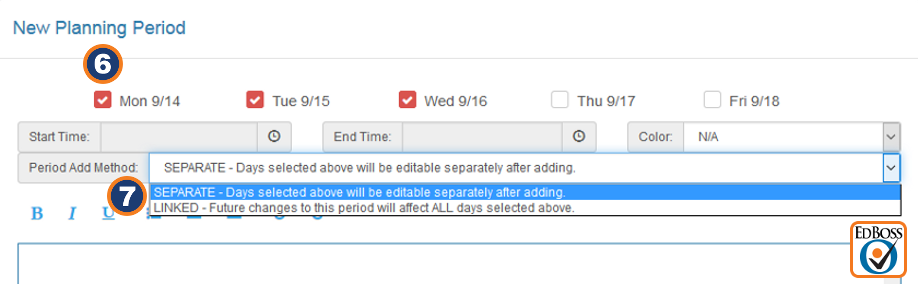
- To add a new period, check the desired days of the week.
- Multi-day periods can be linked to update together or kept separate.
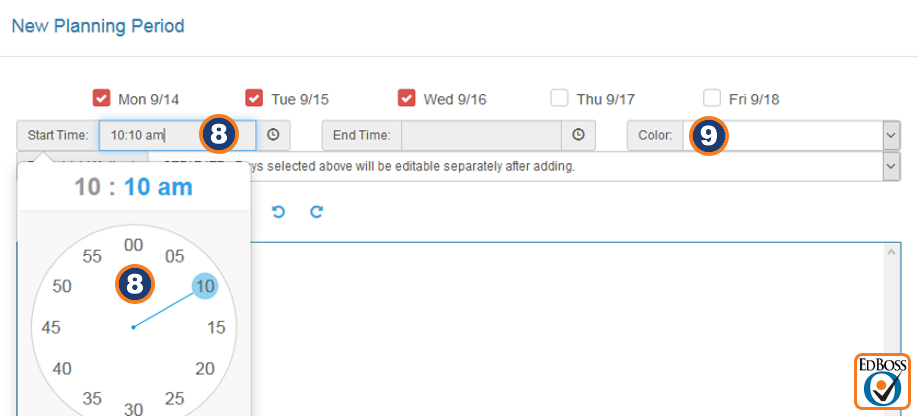
- Select the start and end time of the new period.
- A color can be assigned to highlight chosen periods or subjects.
Adding Common Core Standards
- Choose Common Core Standards to apply to specific lessons. Additional standards your state may require can be programmed into Education Boss.
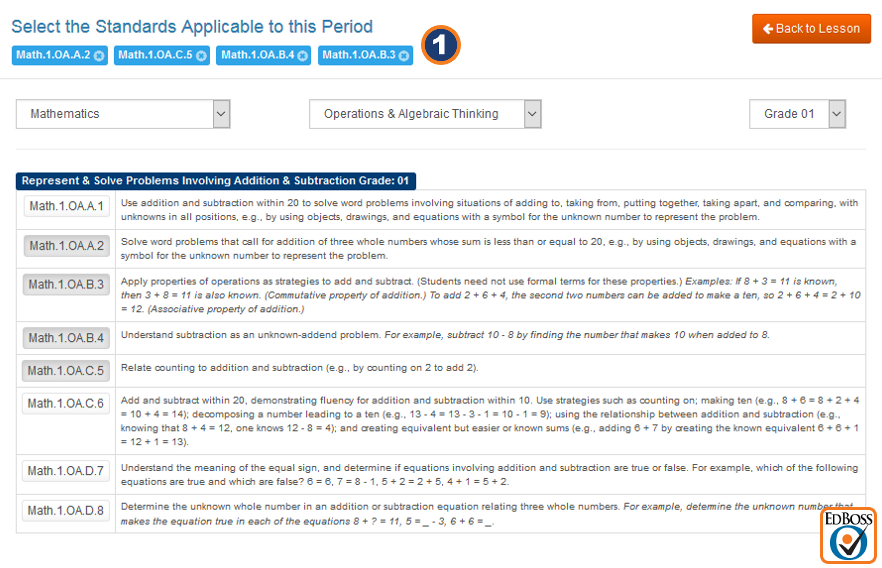
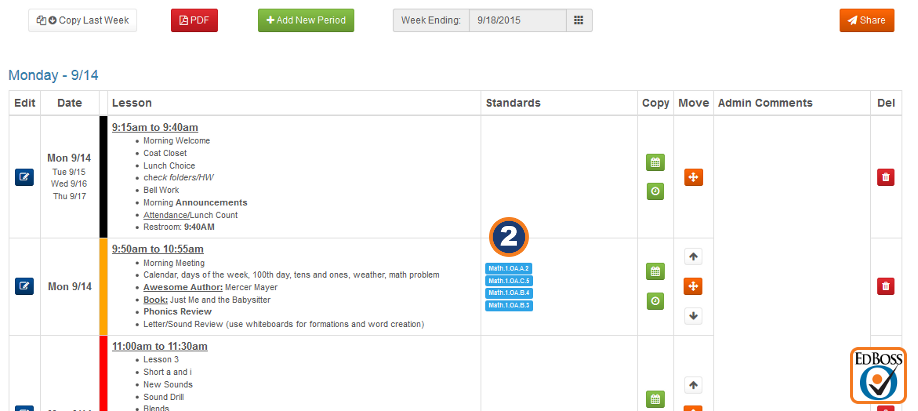
- Your Common Core Standards selections will be linked to your selected lesson plans.
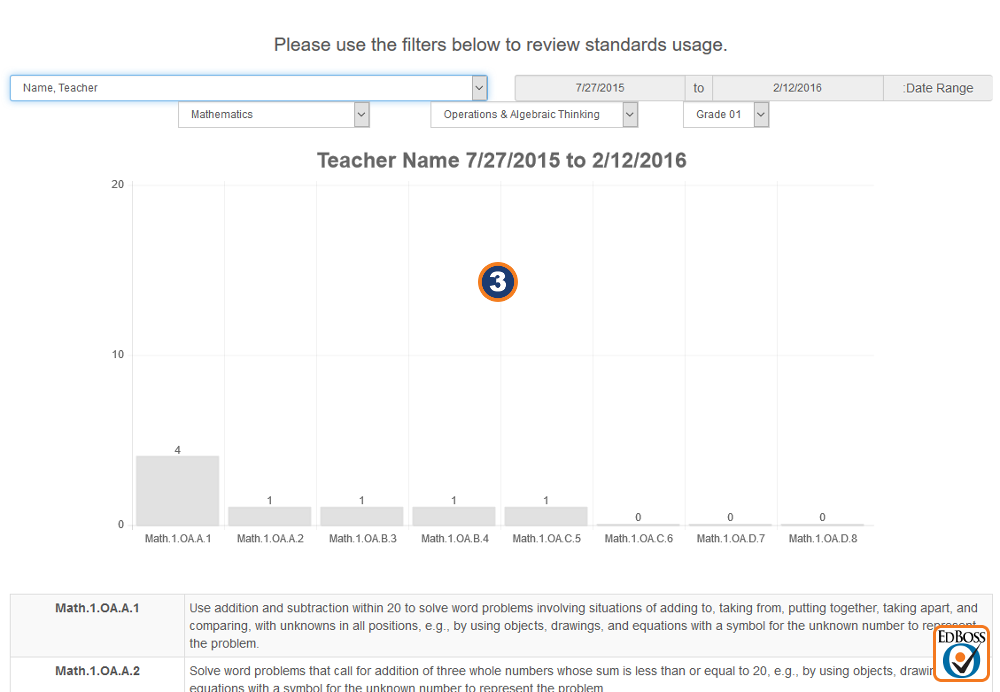
- Chart your Common Core Standards usage. Charts can be saved to image files for use in reports and presentations.
- Share or link your lesson plans with other teachers on your team. Shared lesson plans can be changed without affecting the original teacher's plans or schedules.
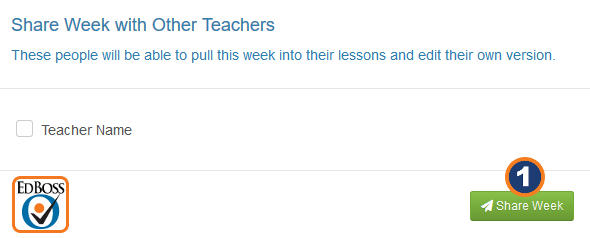
- Share your lesson plans with your administrators for support and/or review.
- Save your lesson plans to a PDF.
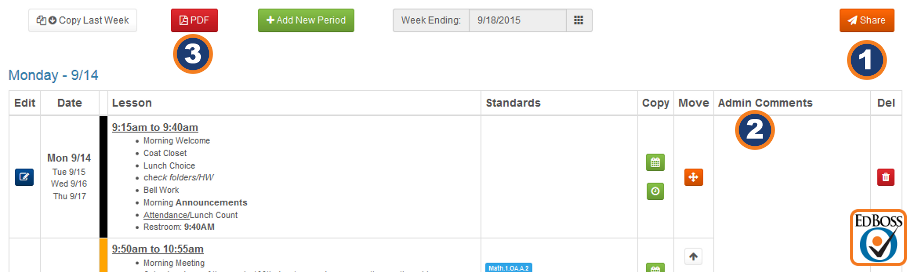
- Print out your weekly lesson plans from a PDF.